TradingView Chart: How to Trade Futures With a DOM
TradingView Chart: How to Trade Futures With a DOM
TradingView Chart: How to Trade Futures With a DOM
Published: 2026-09-09 | Reviewed by: Onyx Trading Editorial Team
A tradingview chart can provide market context while the Onyx DOM handles price-level futures execution. The Onyx Trading platform combines TradingView charts, professional Rithmic data, one-click trading, OCO and bracket orders, Trade Shell, and Account Manager in a free futures trading environment.
Key Takeaways
- Pair TradingView charts with the Onyx DOM to combine technical context with resting bid and offer size at individual price levels.
- Use OCO and bracket orders to define exits while placing a futures trade, reducing reliance on manual reaction after entry.
- Arrange TradingView charts, the Onyx DOM, Trade Shell, and Account Manager so each view has a defined role in the trading workflow.
- Onyx charges no platform, software, or subscription fee, although separate broker, exchange, market-data, and prop-firm charges may apply.
How Do You Set Up a TradingView Chart for Futures?
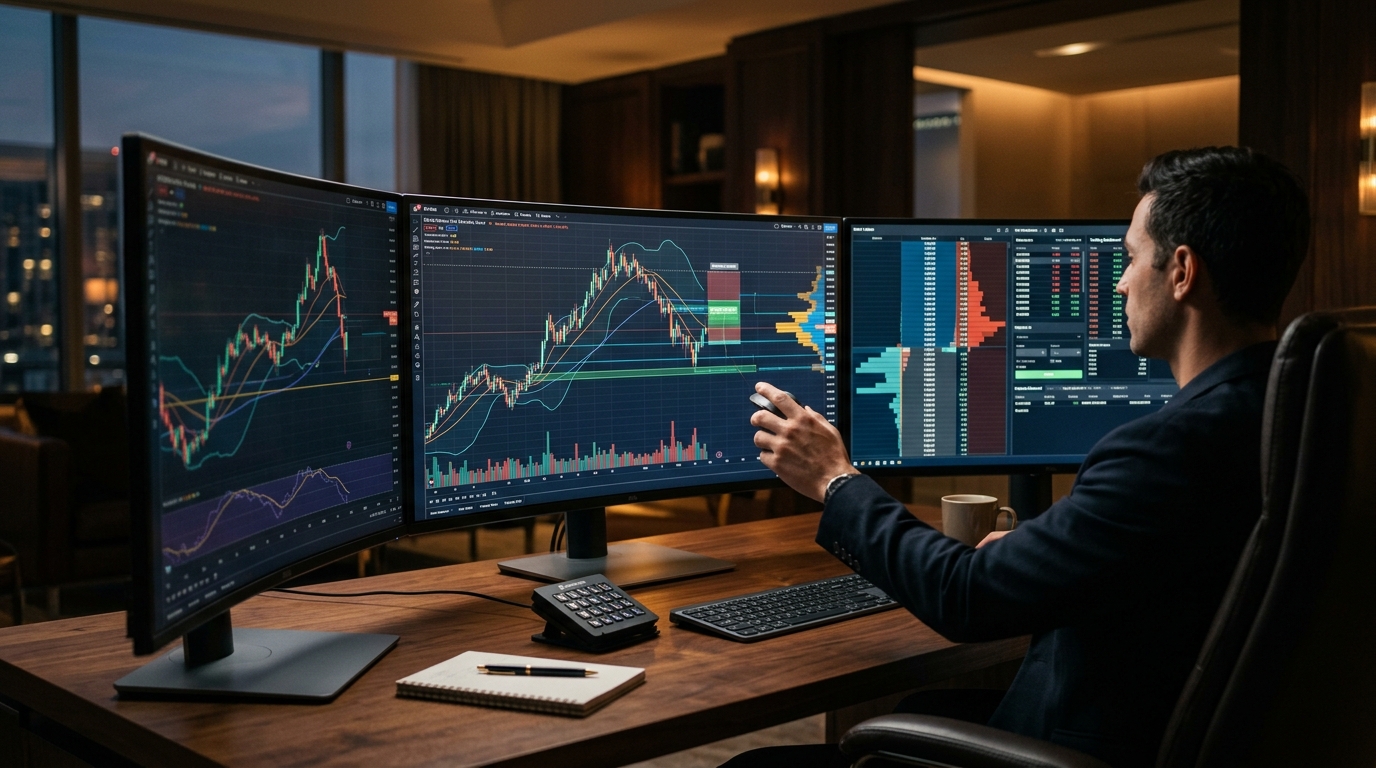
Set up a TradingView chart by choosing the relevant futures contract, selecting a timeframe, and arranging TradingView charts beside the Onyx DOM. Onyx receives professional Rithmic data, combining chart analysis and price-ladder execution within one futures trading workspace.
Begin with the specific contract month required by your broker or prop firm rather than relying only on a continuous symbol. Contract specifications, tick values, and expiration schedules differ across futures markets. CME Group futures education explains core contract concepts that traders should understand before submitting orders.
Contract statistics also show why symbol and quantity checks matter. According to CME Group’s E-mini S&P 500 contract specifications, the contract uses a $50 multiplier and has a minimum price fluctuation of 0.25 index point, making one minimum tick worth $12.50 per contract. Other futures products have different multipliers and tick values.
A TradingView futures chart can organize trend, volatility, support, resistance, and session context. Trade Shell keeps order-entry controls within the workspace, Account Manager provides account context, and the Onyx DOM handles price-level execution. Assigning a distinct purpose to each view makes order and account information easier to follow during active conditions.
Understanding how to trade futures on TradingView requires more than selecting indicators. Futures traders must also confirm the contract, order quantity, entry type, and intended exit structure. TradingView supplies visual context and chart-based order placement, while Rithmic data and Onyx execution features handle the order-entry workflow.
- Confirm the contract: Match the market and contract month required for the intended futures position.
- Choose useful context: Select timeframes that reflect the holding period rather than changing intervals impulsively.
- Arrange execution views: Position TradingView charts near the Onyx DOM, Trade Shell, and Account Manager.
- Plan the order: Define entry, protective exit, profit objective, and maximum acceptable loss before submission.
How Can a TradingView Chart Place Bracket and OCO Orders?
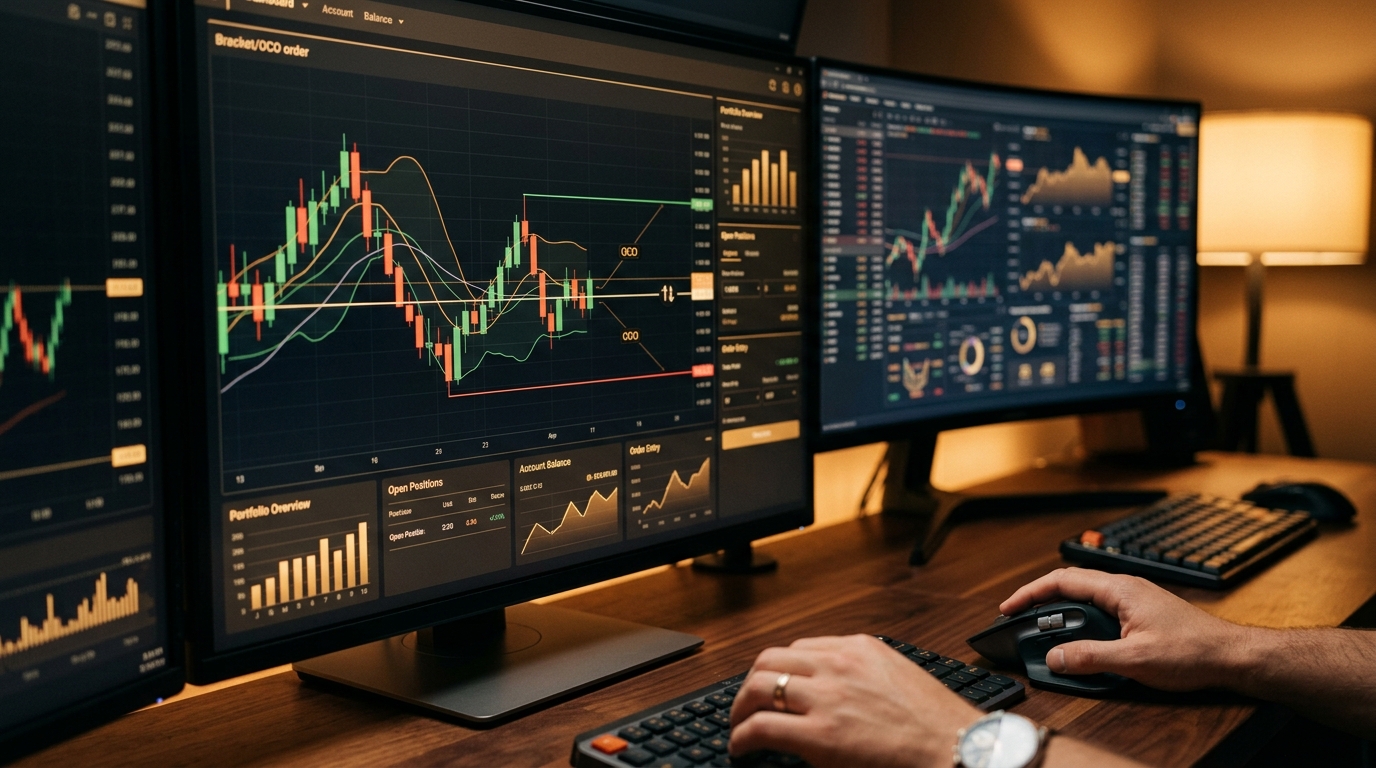
A TradingView chart provides chart-based order placement in Onyx, while OCO and bracket orders define linked exits around an entry. A bracket associates a protective stop and profit-taking order with an entry or open position. The OCO relationship cancels the remaining linked exit when the other exit executes.
Traders can use one-click trading when speed matters, but faster submission does not replace order verification. Before acting, confirm direction, quantity, order type, and price. A mistaken market, stop, or limit order may execute quickly in a fast futures market, particularly around scheduled economic releases or thin liquidity.
OCO and bracket orders translate a chart plan into explicit execution instructions. For example, a trader can identify an entry area on TradingView, set the intended quantity in Trade Shell, and prepare a protective stop and profit target as a bracket. The linked OCO exits reduce the need to cancel the unused exit manually after the other fills, but they cannot eliminate slippage, gaps, connectivity events, or execution risk.
The distinction between the two concepts matters. A bracket describes the group of orders surrounding an entry or position. OCO describes the cancellation relationship between linked orders. Trade Shell handles order preparation and submission, Account Manager keeps account context visible, and the Onyx DOM displays price-level liquidity and execution controls.
Preparing linked exits before entry makes quantity, stop placement, and target placement easier to verify than creating each instruction after a fill.
TradingView’s chart-trading education covers general chart-order concepts. The Onyx Trading platform features combine TradingView chart analysis with Rithmic data, one-click execution, OCO and bracket orders, and the Onyx DOM for active futures execution.
How Do You Pair a TradingView Chart With a Futures DOM?
Pair a TradingView chart with the Onyx DOM by using the chart for directional and structural context while reading liquidity at each ladder price. The Onyx DOM shows resting bid and offer size at individual prices and provides price-level order entry for futures execution.
A chart compresses market activity into bars, candles, and visual studies. The Onyx DOM displays the current order book by price. Neither view predicts an outcome, but their different perspectives can help a trader distinguish a broad chart idea from the immediate conditions surrounding a potential order.
TradingView DOM trading is most useful when each display has a defined job. Use TradingView to evaluate trend, range boundaries, prior highs or lows, and session structure. Use the Onyx DOM to inspect nearby resting liquidity, choose a precise price, and observe changes around the intended entry.
The displayed book contains resting orders rather than a complete forecast of future transactions. Orders can be added, changed, cancelled, or executed rapidly. Traders should therefore avoid treating visible size as permanent support or resistance. Price action, trade location, and predetermined risk remain important when interpreting the ladder.
A practical TradingView chart-trading sequence is to form a trade thesis first, locate the invalidation point, and then inspect the ladder. Trade Shell keeps the prepared order instructions accessible, Account Manager provides account context, and OCO and bracket orders express the planned exits. This sequence keeps the trade thesis, invalidation point, and displayed liquidity in separate decision steps.
How Does a TradingView Chart Support Prop-Firm Drawdown Control?
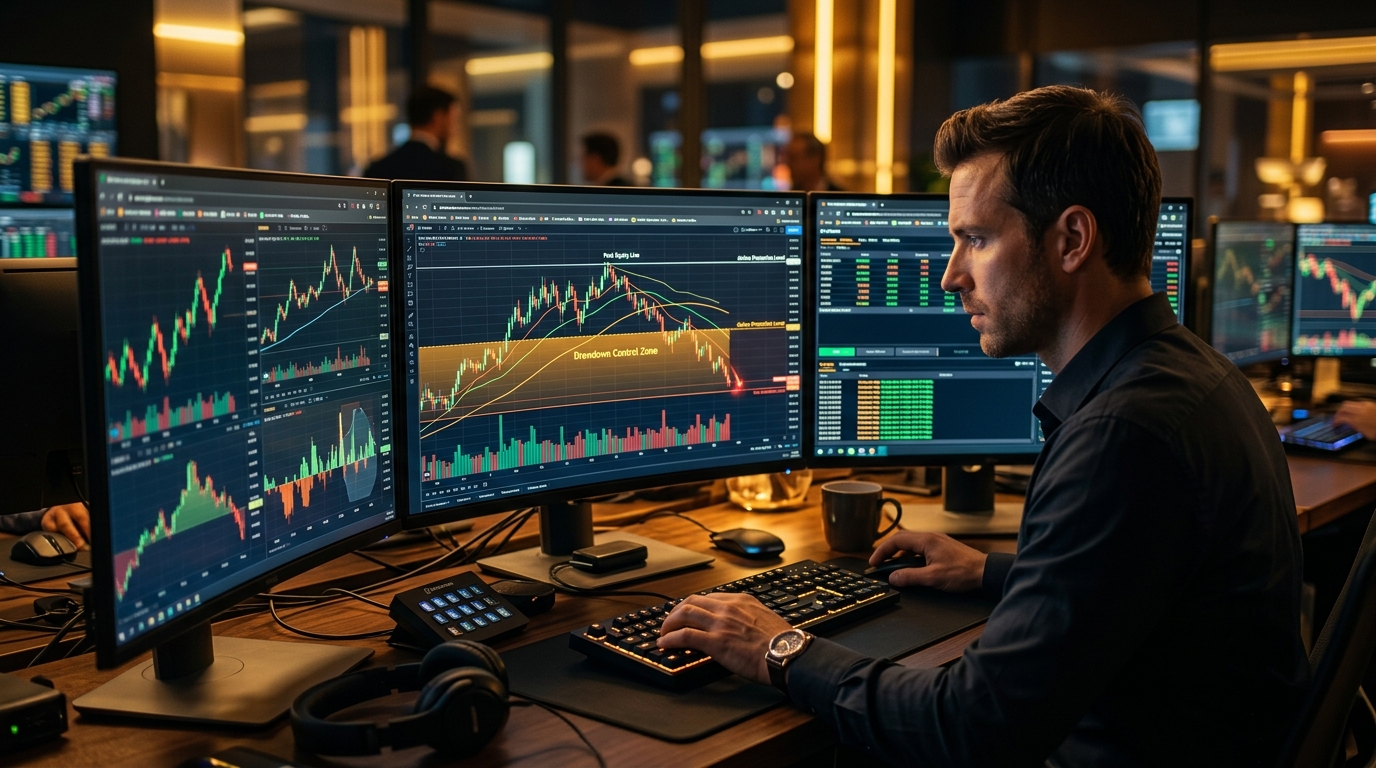
A TradingView chart supports prop-firm drawdown control by helping traders define invalidation levels before entering through the Onyx DOM. OCO and bracket orders can express a planned stop and target, while Account Manager presents account context and Trade Shell keeps quantity and order instructions together before submission.
Prop-firm traders commonly face account-specific limits involving losses, position sizes, permitted products, or trading times. Those rules differ among firms and programs. A chart cannot enforce every agreement, so traders must understand their firm’s current requirements and avoid assuming that an accepted order automatically complies with evaluation or funded-account conditions.
Before entry, mark the price that invalidates the setup and calculate whether the intended quantity fits the remaining loss allowance. Then prepare the exit structure rather than relying on an improvised response. OCO and bracket orders formalize that plan, although fills may differ from requested prices during volatile conditions.
A prop-firm TradingView workflow should prioritize rule preservation over trade frequency. Traders can use TradingView for setup context, the Onyx DOM for execution timing, Trade Shell for order preparation, and Account Manager for account context. Rithmic supplies professional futures data for execution.
Onyx charges no platform, software, or subscription fee. Broker, exchange, market-data, and prop-firm charges remain separate and should be included when comparing the total cost of participation.
Can You Use a TradingView Chart on Mac and Multiple Monitors?
Onyx has full functionality in Mac and Windows browsers; NinjaTrader Web runs in Mac and PC browsers with a reduced feature set, and NinjaTrader Desktop is Windows-only.
Native Windows and macOS applications are downloadable from the Settings page inside Onyx, and they open charts in independent windows for multi-monitor arrangements.
Mobile access consists of Onyx Mobile Trader for iOS and the Onyx application for Android.
A multi-monitor layout might dedicate one display to TradingView charts and another to the Onyx DOM, Trade Shell, and Account Manager. More screens do not inherently improve decisions. Each window should have a defined purpose, and critical order information should remain visible without requiring excessive searching during fast market conditions.
Traders can open Onyx and manage their workspace according to their trading needs. Account trade history is accessible through rTrader Pro, the Rithmic source of record for Onyx accounts. Traders should still reconcile orders, positions, and account information carefully, especially after an interruption or unexpected execution event.
| Capability | Onyx Trading platform | NinjaTrader |
|---|---|---|
| Web interface scope | Full feature scope | Reduced feature scope compared with Desktop |
| Multi-monitor chart handling | Independent chart windows | Interface-dependent window handling |
| Depth of Market | Onyx DOM with resting bid and offer size by price | DOM functionality differs across interfaces and license tiers |
| Data feed | Professional Rithmic data feeds | Multiple connection and data-service arrangements |
| Software fee | No software or subscription fee | Free and paid license tiers exist |
The structural comparison involves web feature scope, desktop window behavior, DOM functionality, data connections, and licensing. Traders should assess those differences alongside their execution workflow, market-data needs, account arrangements, and total costs.
Frequently Asked Questions
Can I trade futures from a TradingView chart with Onyx?
Yes, a tradingview chart can be used for futures analysis and chart-based order placement within Onyx. Traders can combine TradingView charts with professional Rithmic data, the Onyx DOM, one-click trading, and OCO and bracket orders while keeping Trade Shell and Account Manager in the same workspace.
Does the Onyx Trading platform charge a software or subscription fee?
No, Onyx charges no platform, software, or subscription fee. Broker, exchange, market-data, and prop-firm charges are separate and should be included when calculating the total cost of trading or participating in a funded-trader program.
Can I use Onyx on a Mac without Windows or a VPS?
The browser and native-application distinctions are covered in the Mac and multiple-monitors section above. Independent chart windows can be arranged across monitors while the Onyx DOM, Trade Shell, and Account Manager remain organized by function.
What information does the Onyx DOM display?
The Onyx DOM displays resting bid and offer size at each price level in a Depth-of-Market ladder. It also provides price-level execution controls, allowing traders to inspect nearby liquidity and place orders while remembering that displayed orders can be changed, cancelled, or executed rapidly.
Do OCO and bracket orders prevent futures trading losses?
No, OCO and bracket orders do not prevent futures trading losses. Bracket orders organize protective and profit-taking exits around an entry or position, while the OCO relationship cancels the remaining linked exit after its counterpart executes. Slippage, gaps, market volatility, connectivity problems, and incorrect order settings can still produce losses beyond the intended amount.
Is Onyx suitable for a prop-firm TradingView workflow?
A tradingview chart can define entries and invalidation levels, while Onyx provides Rithmic data, Onyx DOM execution, Trade Shell, Account Manager, linked orders, and no platform, software, or subscription fee. These features do not determine suitability. Traders should compare each prop firm’s current rules, costs, drawdown calculations, permitted products, and prohibited practices before participating.
Build a tradingview chart and Onyx DOM workflow around clear risk limits rather than trade frequency. If funded trading is your goal, compare the prop firms that run Onyx and verify their current account rules, drawdown methods, data charges, evaluation costs, payout terms, and other fees without assuming that Onyx or any prop firm is suitable for you.
Trading futures involves a substantial risk of loss and is not suitable for every investor. Past performance is not indicative of future results. This content is educational and is not financial or trading advice.