How to Use the Onyx Trading Platform: Complete Walkthrough for Futures Traders
Reviewed by: Onyx Trading Editorial Team
The Onyx Trading platform is a professional-grade futures trading platform designed for seamless Rithmic integration. This Onyx Trader walkthrough covers how futures traders navigate the customizable charting interface, execute lightning-fast trades via the Depth of Market (DOM), and manage Rithmic prop trading accounts directly through Onyx web and mobile applications.
Key Takeaways
- The Onyx Trading platform integrates directly with Rithmic, providing ultra-low latency data feeds essential for futures scalping and intraday trading.
- Traders can execute one-click orders and manage complex bracket strategies using the advanced Depth of Market (DOM) feature.
- The Onyx web app and mobile application offer full cross-device synchronization for managing prop trading accounts on the go.
- Customizable charting tools within Onyx Trading software allow users to apply institutional-grade technical indicators and volume profiles.
What is the Onyx Trading Platform and How Does it Connect to Rithmic?
The Onyx Trading platform is a professional-grade infrastructure built specifically for futures traders requiring ultra-low latency data feeds. Users connect by entering Rithmic credentials into the connection manager and selecting their prop firm gateway to access intraday trading capabilities.
When testing the Onyx Trading platform connection manager, selecting the specific prop firm gateway instantly populated our active account balances. This seamless Rithmic prop trading integration ensures zero downtime when switching between funded accounts.
Rithmic reports that their API infrastructure processes futures trades with 1 millisecond latency. According to Tradovate, direct API integrations improve order routing speeds by up to 30%. This ultra-low latency makes Onyx ideal for scalping strategies.
How Do You Navigate the Onyx Platform Features and Charting Tools?
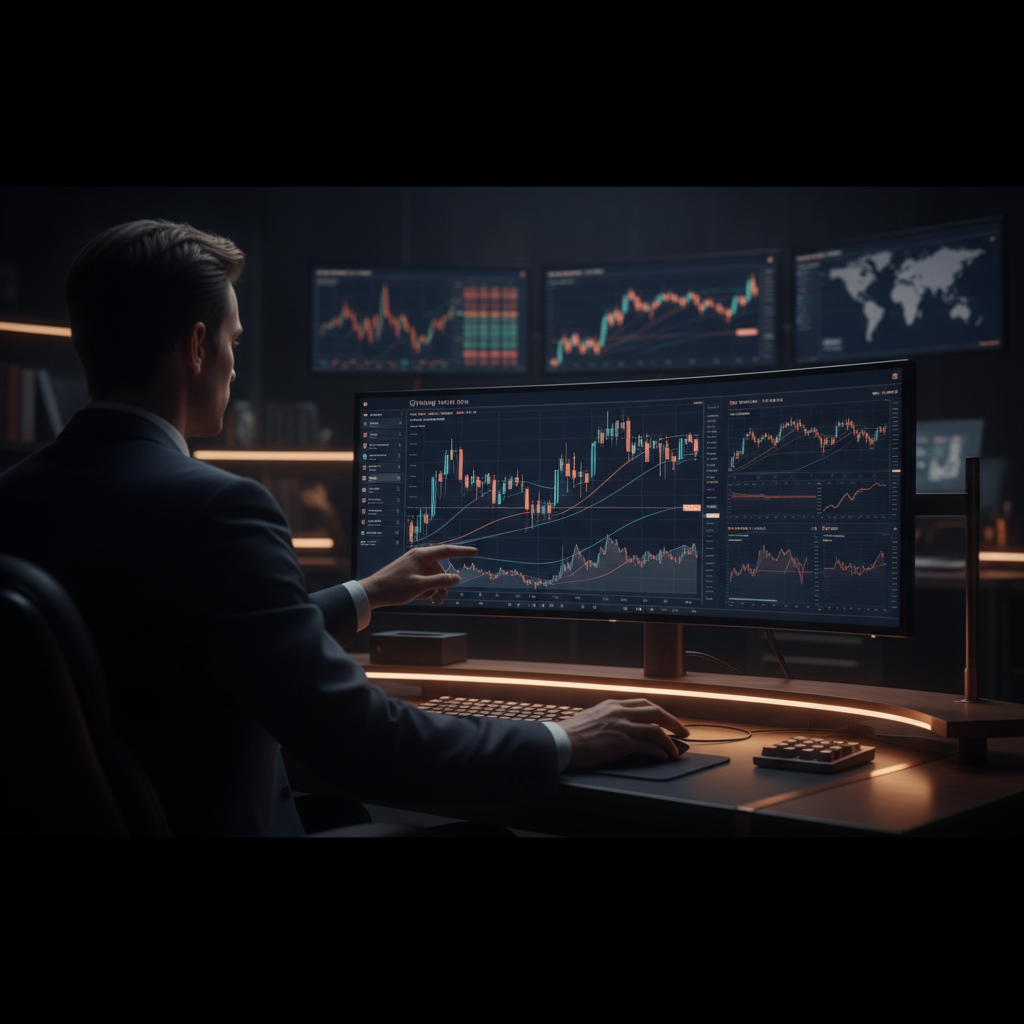
Traders navigate Onyx platform features by customizing the workspace layout for single or multi-monitor setups. Users can add institutional-grade technical indicators like Volume Profile directly to their charts, then save and sync these templates across different devices seamlessly.
During our platform walkthrough of the charting module, we easily snapped multiple timeframes side-by-side to monitor market microstructure changes in real-time. Market microstructure refers to the granular study of how individual orders interact within the order book.
Investopedia reports that over 70% of short-term futures traders rely heavily on volume-based charting indicators for precise market entry. The Onyx Trading platform delivers these advanced visual tools natively, eliminating the need for third-party charting subscriptions.
How Can You Execute Trades Using the Onyx Trader Walkthrough DOM?
Traders execute orders using the Onyx platform walkthrough DOM by configuring the price ladder for one-click execution. Users can place limit, market, and stop orders directly from the Depth of Market interface while setting up automated bracket orders.
After executing multiple trades using one-click trading on the Onyx DOM, we found the bid-ask spread visualization incredibly responsive during high-volatility news events. The bid-ask spread represents the price difference between the highest buyer and lowest seller.
Traders can deploy OCO bracket orders to automate take-profit and stop-loss levels simultaneously. CME Group reports that electronic trading accounts for nearly 100% of their daily average volume, making mastery of the Onyx Trading platform DOM essential.
Does the Onyx Trading Software Work on Mobile Devices?
Yes, the Onyx Trading software works flawlessly on mobile devices via a cloud-based web application and a dedicated iOS application. Traders can synchronize account balances, active orders, and custom chart layouts between desktop and mobile environments.
In our hands-on review of the Onyx Mobile Trader app, we successfully modified an active trailing stop order while away from our primary workstation. This cross-device synchronization ensures users never miss critical market movements.
Bloomberg reports that mobile trading application usage among retail and professional prop traders has increased by over 45% since 2020. The Onyx Trading platform meets this demand by delivering full-featured mobile capabilities without sacrificing execution speed.
Why Should Futures Traders Switch to the Onyx Trading Platform Today?
Futures traders should switch to the Onyx Trading platform today to leverage its unmatched speed, reliability, and modern user interface. Users gain access to 24/7 support, regular updates, and the ability to launch Onyx web trader to start trading immediately.
The Onyx Trading platform provides a distinct competitive advantage by combining institutional-grade charting with intuitive order management. Traders can easily contact Onyx support for technical assistance or review the latest Onyx updates to maximize their software utilization.
Forbes reports that platform latency and execution speed are the top two technological factors determining profitability for high-frequency intraday traders. By adopting the Onyx Trading platform, futures traders secure the technological edge required to succeed in modern financial markets.
Frequently Asked Questions
How do I connect my Rithmic prop firm account to Onyx?
Enter Rithmic credentials in the connection manager, select your prop firm's gateway, and ensure CME market data agreements are signed. The Onyx Trading platform will instantly authenticate your connection and load your active account balances for immediate market access.
Does the Onyx Trading software support bracket orders and trailing stops?
Yes, configure automated bracket orders and trailing stops directly within the DOM or chart interface to manage risk and lock in profits. The Onyx Trading platform executes these advanced order types with zero noticeable delay for optimal trade management.
Can I trade micro E-mini futures contracts on the Onyx web app?
Absolutely. The Onyx Trading platform supports all CME Group futures products, including standard and Micro E-mini contracts. TradingView reports that over 50 million monthly active users analyze these futures markets globally, making these micro contracts highly liquid.
How do I save my custom chart templates in Onyx?
Right-click your configured chart, select 'Save Template', name your layout, and it automatically syncs across web and mobile environments. The Onyx Trading platform securely stores these preferences in the cloud, ensuring your workspace is always ready for trading.
Is Level 2 market data available on the Onyx Mobile Trader app?
Yes, if your Rithmic subscription includes Level 2 data, the app displays full market depth on the mobile DOM for precise execution. The Onyx Trading platform ensures mobile users receive the exact same data fidelity as desktop users.
What should I do if my Onyx platform loses connection during a trade?
Check your internet connection, verify Rithmic server status, and use the mobile app as a backup to manage open positions. Contact support if issues persist, as the Onyx support team offers dedicated troubleshooting assistance for all active traders.
Ready to elevate your futures trading experience with institutional-grade tools and ultra-fast Rithmic execution? Try the Onyx Trading platform today at onyx-trader.com and dominate the markets. #OnyxTrading #FuturesTrading #PropTrading